↳ “Keep the follow-up moving.”
↗ FOLLOW-UPDraft ready
The next hello.
Already written.
To: AliceA next step for the project
Thanks for the conversation. Here’s a first pass at the direction we discussed…
✓ Yours to review.
Cue keeps your day moving in the background. It connects your apps, remembers what matters, and gets things done — from WhatsApp to your computer.
Invite-only early access · Have a code? Getting ahead of your day
The loose ends have somewhere to go. Give Cue the context, and come back to something you can use.
A LITTLE LESS ON YOUR MINDOn it.Thanks for the conversation. Here’s a first pass at the direction we discussed…
Give Cue the goal and the context. It can coordinate the research, create the materials, and bring the work back for your review.
Get the launch ready while I’m out. Use the project brief. I need the research, a short deck, and a landing page.You · 13:10
On it. I’ll bring the drafts back here. You can review before anything goes live.Cue · 13:10
ONE GOAL. WORK IN MOTION.The brief carries your audience, goals, and brand direction into the work.
Illustrative sequence, shortened for the story. Sample deliverables are fictional examples, not a recorded agent run. Tools and availability depend on your setup.
Cue works from the routines you choose, the context you connect, and the directions you give. You can see what’s happening and change course.
A recurring brief or scheduled agent job runs on the routine you’ve set. Pause or change it when your day changes.
Starts with: your scheduleConnected updates and background checks can surface a follow-up worth your attention. What Cue can notice depends on the sources and watchers you enable.
Starts with: an enabled connection or checkSet the direction in your request. Review what comes back, ask for a revision, or take over computer work when you need to.
Next step: your decisionBe at the table.
The next step can wait for Cue.
Connect the tools you use. Add skills for the work you do. Explore plugins and specialist AI apps. Give Cue more ways to get it done.
Explore connections ↗ Gmail
Gmail Slack
Slack Notion
 Google Calendar
 GitHub
 Linear
 Figma
Figma WhatsApp
 Decksmith
Cue can turn a goal into something you can use. A game with a pulse. A deck with a story. A spreadsheet that does the maths. The work lands in your Library, ready to pick up and take further.
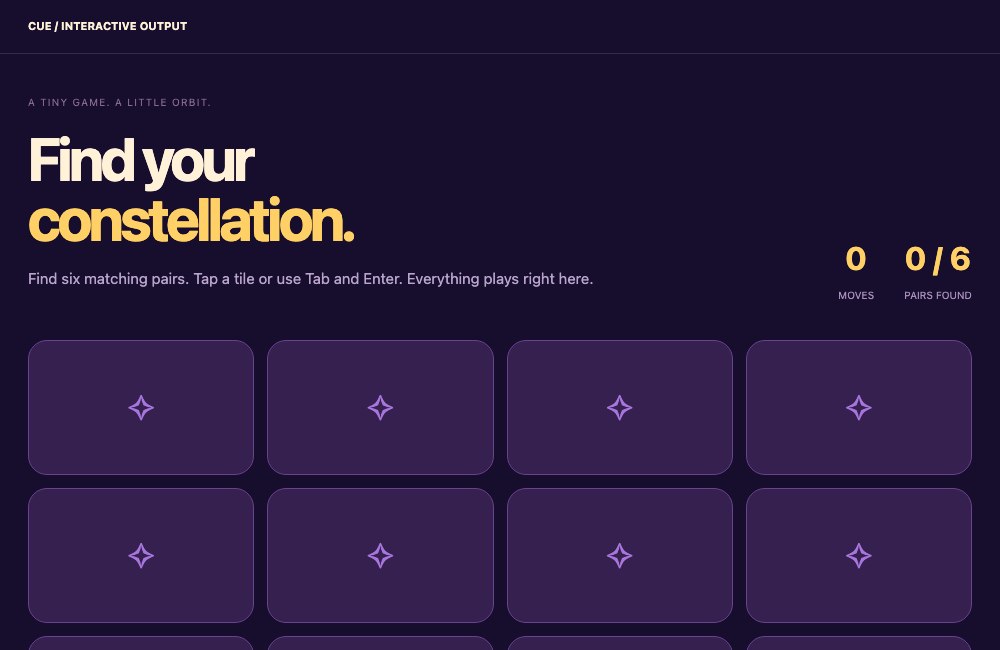 Play the game ↗
 Explore the deck ↗
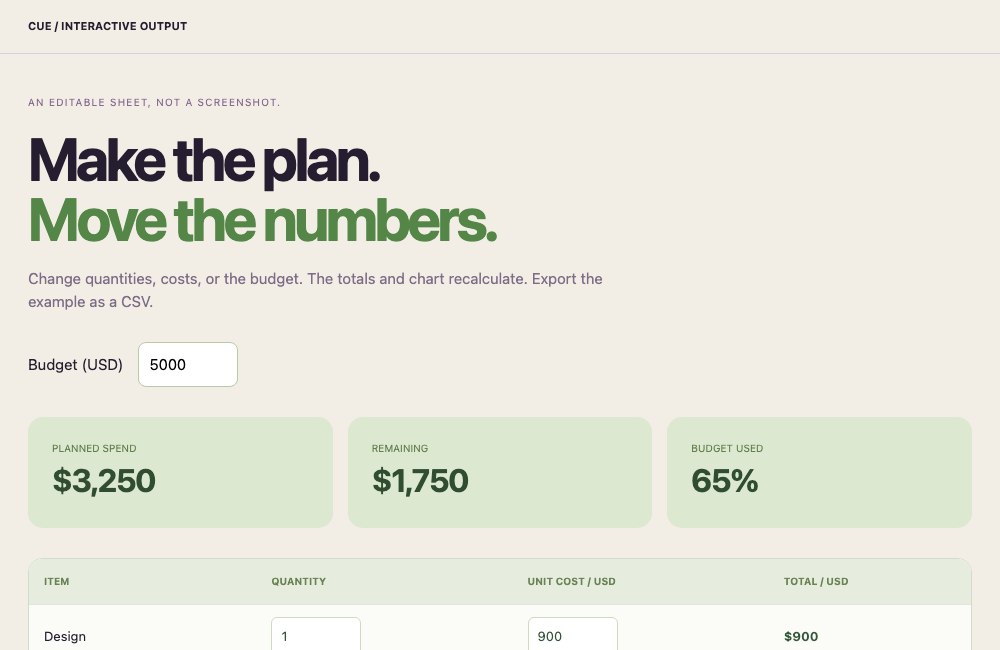 Change the numbers ↗
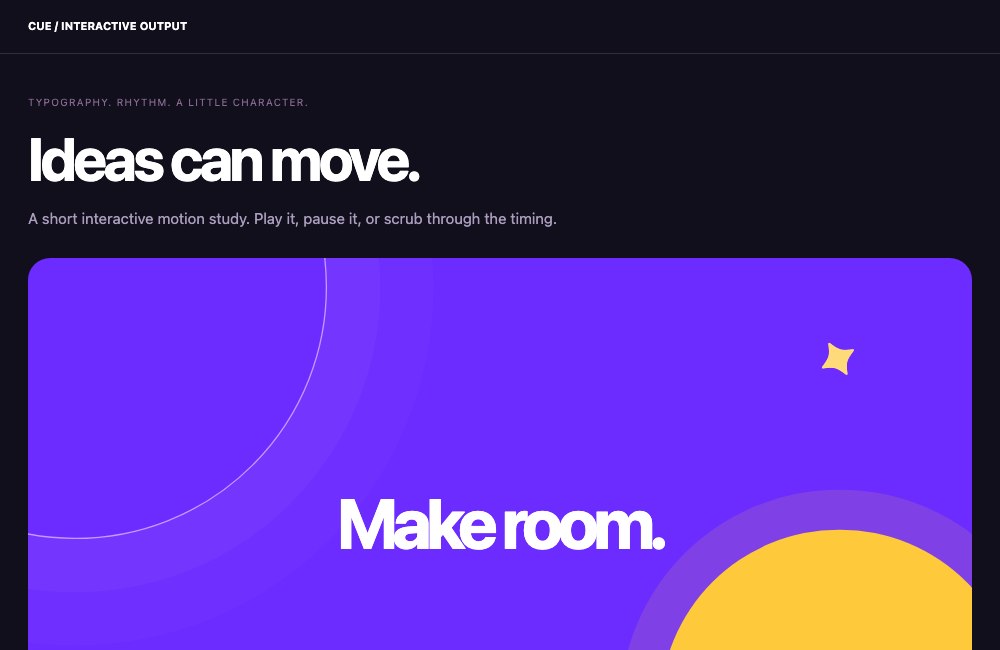 Play the motion ↗
 Open the website ↗
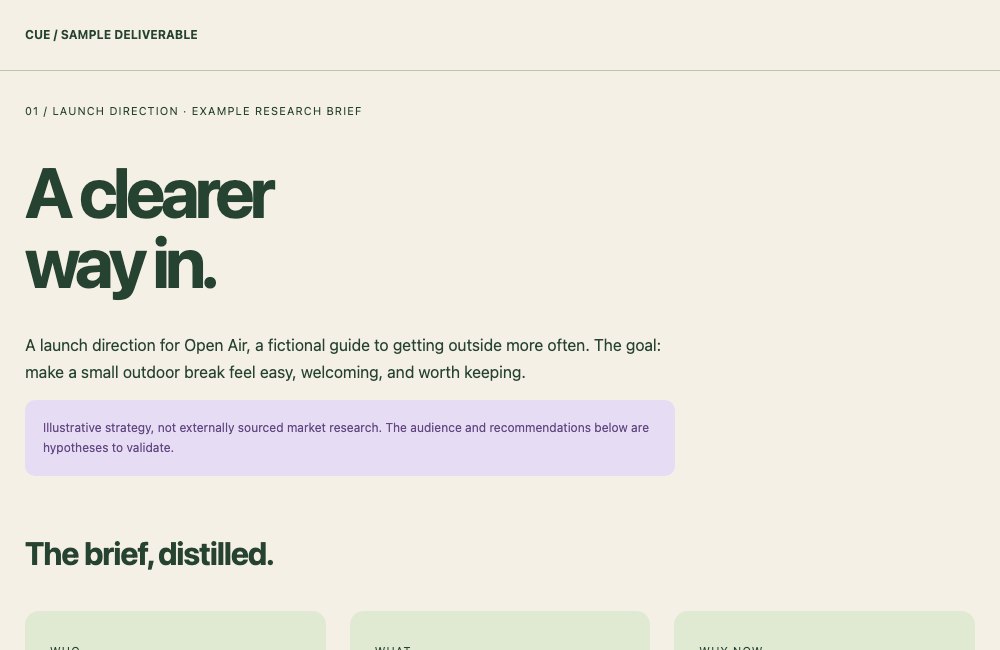 Read the brief ↗
Explore curated, fictional examples of output formats. These were built for this site, not recorded from a customer project or a live Cue run. The motion study is interactive HTML.
Check in on WhatsApp. Talk on your phone. Open the work on your Mac or the web. Your assistant and its context come with you.
The research and first deck are ready. Want the short version?
 TodayWorkLibrary
Connected tools. Reusable skills. Specialized agents. Apps for making and learning. Cue brings them together so you can focus on the outcome.
ONE ASSISTANT.Halo brings real-world conversations and spoken notes into Cue. Remember the moment, find the thread, and turn the next step into work.
Meet Halo ↗Request an invite. Once you have access, choose your plan and set up your assistant. Then give Cue one useful thing to take off your plate.
Start with the email, calendar, or tools you want help with. You choose what to connect.
Explore connections ↗Tell it what you’re working on, what matters, and how you like things handled.
See how context helps ↗Try “Get me ready for tomorrow,” or set a morning briefing as your first routine.
See work in progress ↗Cue is in invite-only early access. Request an invite, or redeem your code to choose a plan and get started.
You can give Cue a goal, set recurring work, and enable connected checks. Those routines can keep moving in the background. What it notices and does depends on the context, connections, and directions you give it.
Use Cue on the web or Mac, and through connected channels such as WhatsApp. iPhone access is through TestFlight during early access. Visit Downloads & account after signing in for current access options. Some features depend on your device and plan.
You don’t need to connect everything at once. Start with one useful service and a task. Account connections may need sign-in and permission from the service, and some skills or plugins need installation.
Each plan includes your assistant and a monthly AI usage allowance. Model choice and the work you ask for affect usage. You can see your balance and buy top-ups in your account. Compare plans and usage allowances.
Choose your connections, inspect and correct remembered context, and stop work or step in when needed. Read about your controls and how data is handled before connecting sensitive information.
Your personal AI starts with you. Join the list for launch updates and a chance to be selected for early access.
Already have an invite? Redeem it →
We’ll email you about Cue’s launch and early access. Signing up doesn’t guarantee an invite. Read our Terms and Privacy Policy.