“Every morning, catch me up.”
A recurring brief or scheduled agent job runs on the routine you’ve set. Pause or change it when your day changes.
Starts with: your scheduleFrom the everyday admin to the ambitious idea, Cue brings your tools, context, and agents together to move things forward. One assistant to reach. Plenty happening behind the scenes.
Give Cue the goal and the context. It can coordinate the research, create the materials, and bring the work back for your review.
Get the launch ready while I’m out. Use the project brief. I need the research, a short deck, and a landing page.You · 13:10
On it. I’ll bring the drafts back here. You can review before anything goes live.Cue · 13:10
 ONE GOAL. WORK IN MOTION.
The brief carries your audience, goals, and brand direction into the work.
Illustrative sequence, shortened for the story. Sample deliverables are fictional examples, not a recorded agent run. Tools and availability depend on your setup.
Cue works from the routines you choose, the context you connect, and the directions you give. You can see what’s happening and change course.
A recurring brief or scheduled agent job runs on the routine you’ve set. Pause or change it when your day changes.
Starts with: your scheduleConnected updates and background checks can surface a follow-up worth your attention. What Cue can notice depends on the sources and watchers you enable.
Starts with: an enabled connection or checkSet the direction in your request. Review what comes back, ask for a revision, or take over computer work when you need to.
Next step: your decisionBe at the table.
The next step can wait for Cue.
Cue can turn a goal into something you can use. A game with a pulse. A deck with a story. A spreadsheet that does the maths. The work lands in your Library, ready to pick up and take further.
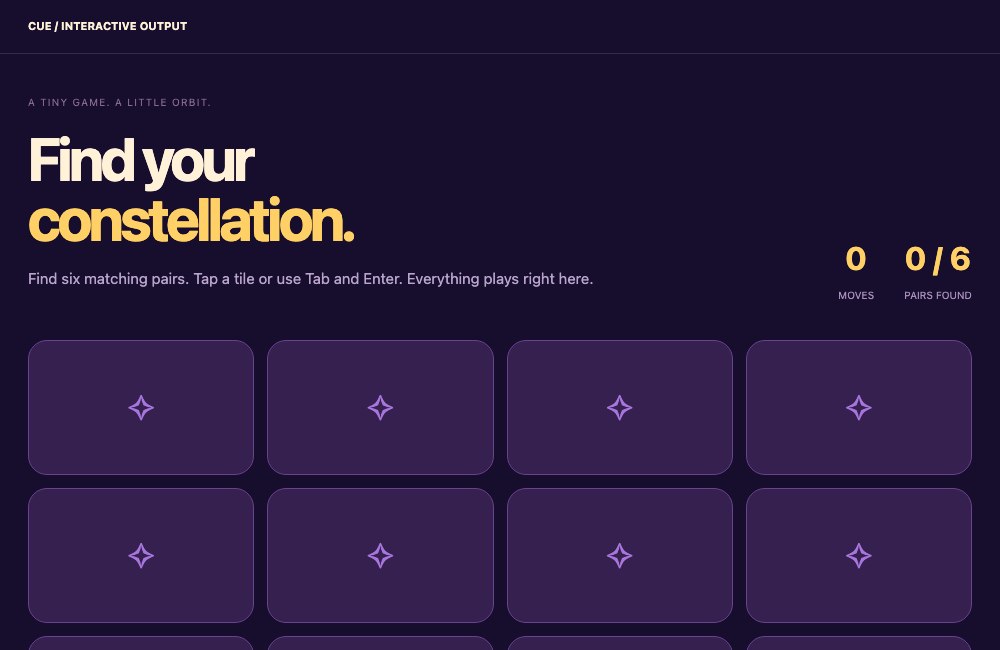 Play the game ↗
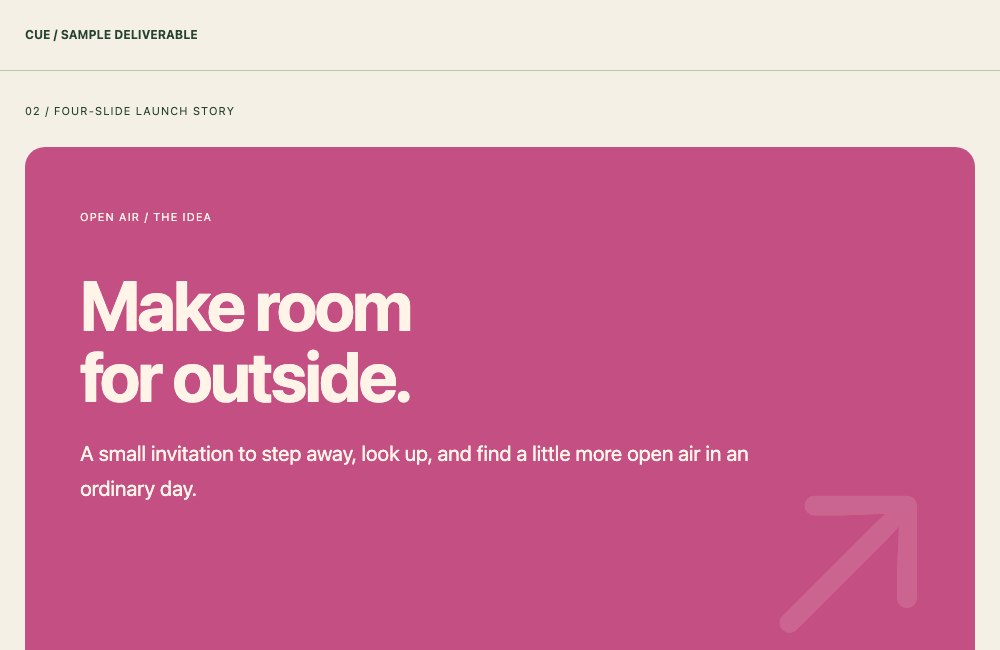 Explore the deck ↗
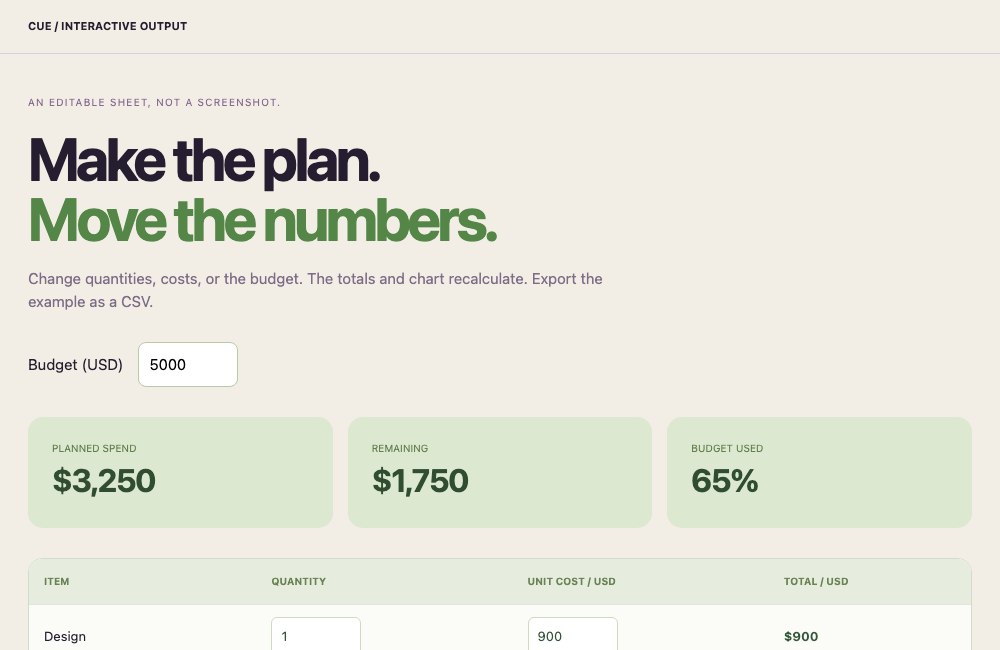 Change the numbers ↗
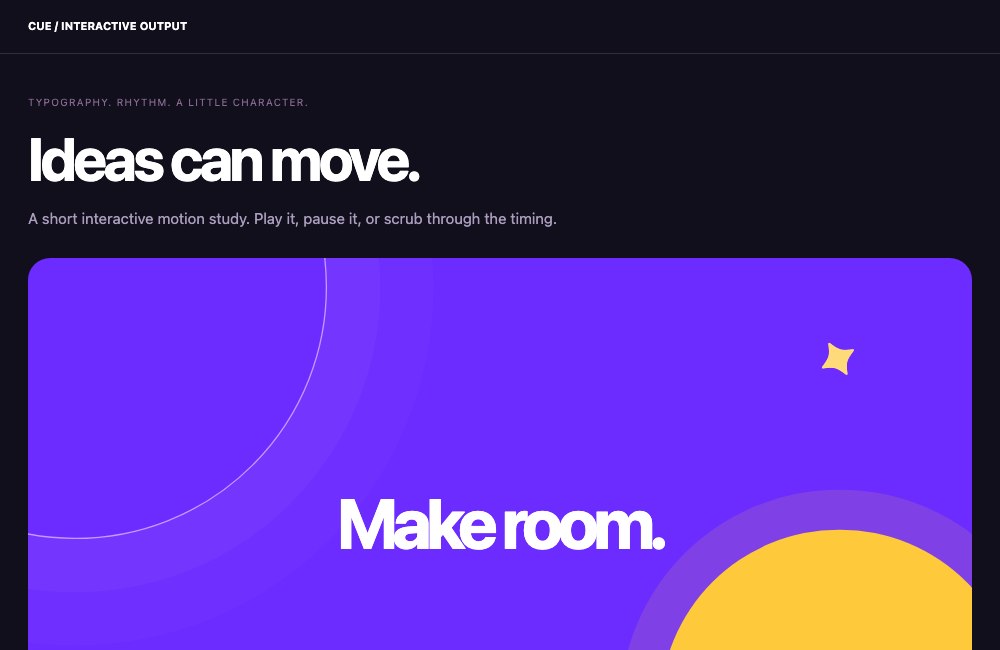 Play the motion ↗
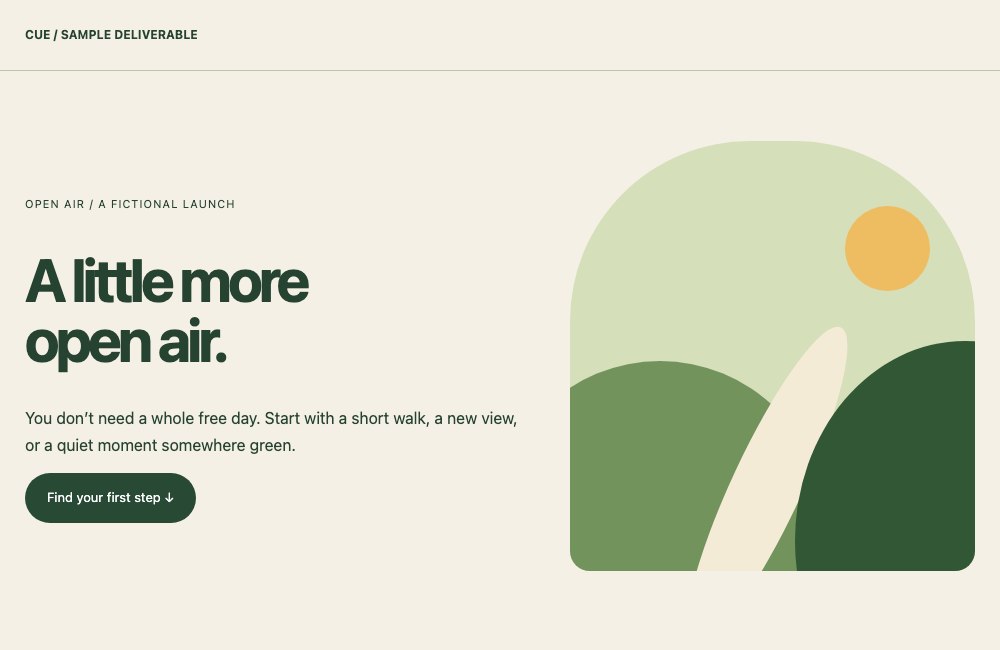 Open the website ↗
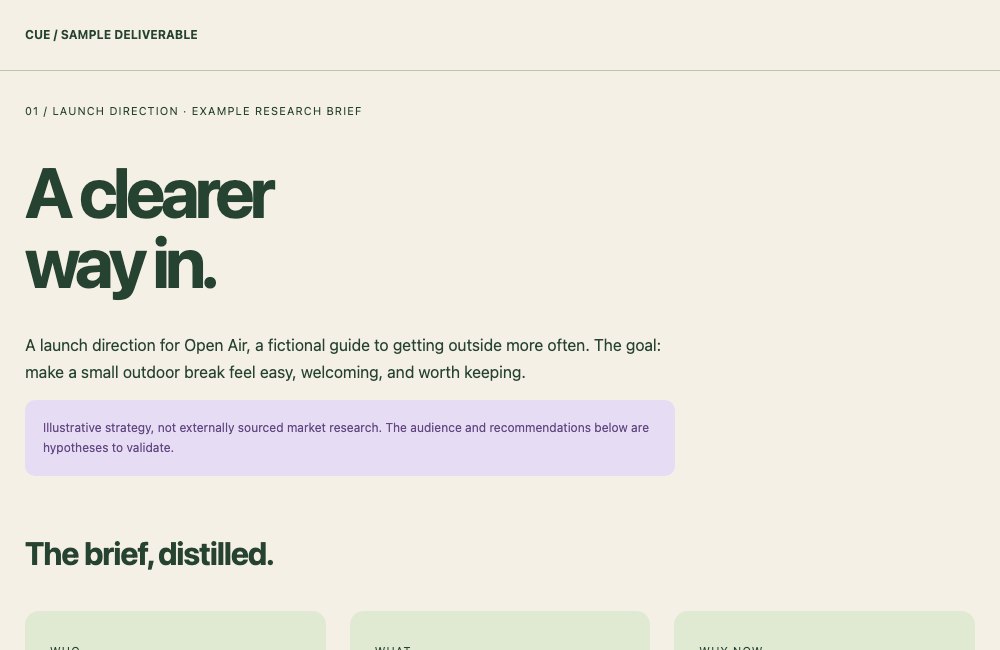 Read the brief ↗
Explore curated, fictional examples of output formats. These were built for this site, not recorded from a customer project or a live Cue run. The motion study is interactive HTML.
Make the morning catch-up a routine. Cue pulls your context into a briefing with priorities, progress, and the next steps worth your attention.
Background jobs keep moving without a chat window open. Agents can research, create, and work on a computer, bringing progress and results back to you.
Capture the conversation, keep the decisions, and turn action items into next steps. Cue holds the context for the follow-up.
Scheduled work and connected sources keep the rhythm going. Cue remembers what matters and brings you something useful when it’s time.
Getting ahead of your dayWhatsApp, voice, iPhone, Mac, and the web are ways into the same assistant. Ask for a result in a message; open the full workspace when you want to go deeper.
The research and first deck are ready. Want the short version?
 TodayWorkLibrary
Cue can use connected tools, follow skills, coordinate agents, and work on a computer. Dedicated Design and Learn apps take you further, with the results kept in your Library.
ONE ASSISTANT.Tools Reach into the services you connect.
Skills Apply the know-how to get a job done.
Agents Carry focused work forward.
Apps Make, learn, and explore in depth.
Ask Cue to get you ready for a conversation. The people, past discussions, and project context you’ve shared give it somewhere useful to start.
Inspect, correct, or forget a memory →Project collaborator
Give an agent a focused job, or set a routine to run again. Come back to progress, questions, and results in its thread. You can change direction without starting the whole conversation over.
Research for a founder. A briefing for a busy team lead. Follow-ups for the project you’re carrying. One assistant to keep the pieces together.
Comparing sources for your project
Which audience should this focus on?
The first version is ready to review
Read the result. Answer a question. Ask for another pass.
Turn a captured conversation into a recap and action items. Bring that context into Cue to draft the follow-up or prepare the next piece of work.
For conversations away from your screen, Halo brings captured moments into the same story.
Meet your capture companion →“Let’s start with the mobile version. We’ll review the first draft on Friday.”
Start with mobile. Keep the first version focused.
Bring the agreed direction into the project.
Ask Cue to turn the recap into an update.
Ask for a weekly recap, or make it a routine. Bring completed work, open questions, and next steps together from the context Cue can access.
Less reconstructing your week. More room to decide what deserves the next one.
A shortlist ready to use.
A draft ready for your review.
Choose the audience for the brief.
These product stories use fictional example content. Available context and actions depend on your connections, enabled features, and plan.
Check the progress, open the files, or take over the computer. Review a result, ask for another pass, or stop the work. Background help should still feel like yours.
How you stay in control ↗Halo brings real-world conversations and spoken notes into Cue. Remember the moment, find the thread, and turn the next step into work.
Meet Halo ↗Capabilities depend on your plan, enabled features, connected services, and device. Find your plan →